Court Piece is coming to your phone
We are building a Court Piece app: Android first, then iPhone. Here is a first look at it, what you can do in it, and its free coins.
We are working on a Court Piece app, so that you can play Rung with your friends straight from your phone. The Android app comes first, on Google Play, followed by the iOS app for iPhone.
It is the same game as on the website, made for a phone held sideways: the same tables, the same house rules and the same friends. You log in with your Elite Games Club account, and your coins, friends, stats and finished tables come with you, wherever you play.
A first look
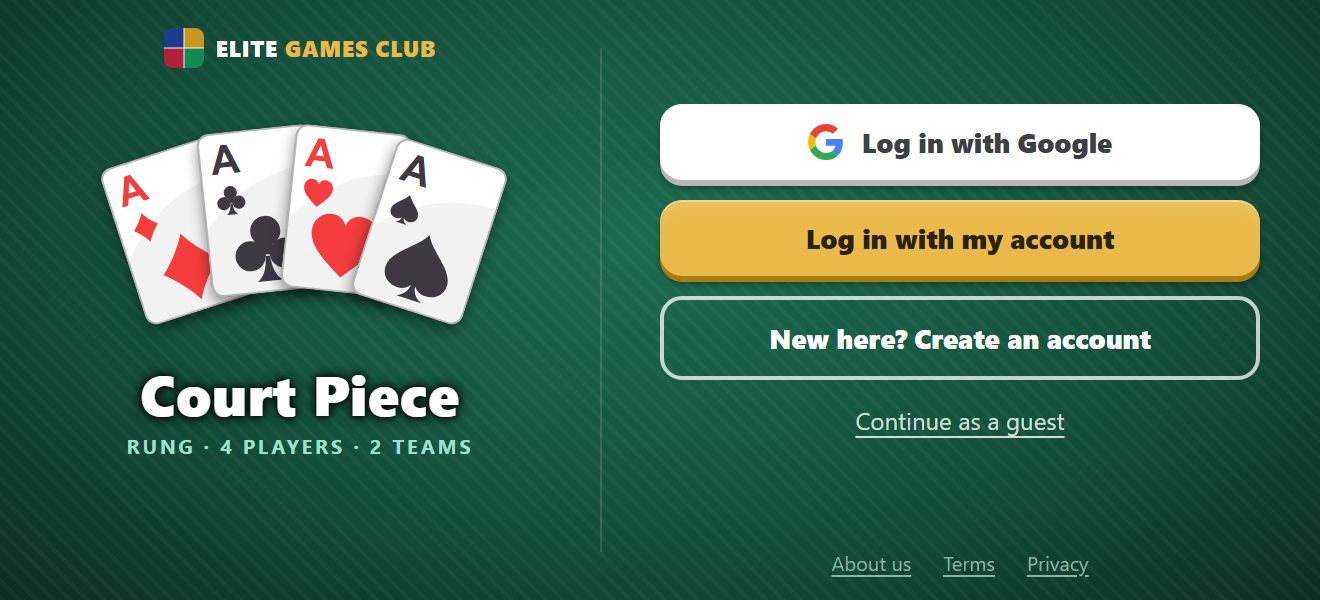
The welcome screen: log in with Google or your account, or try it as a guest.
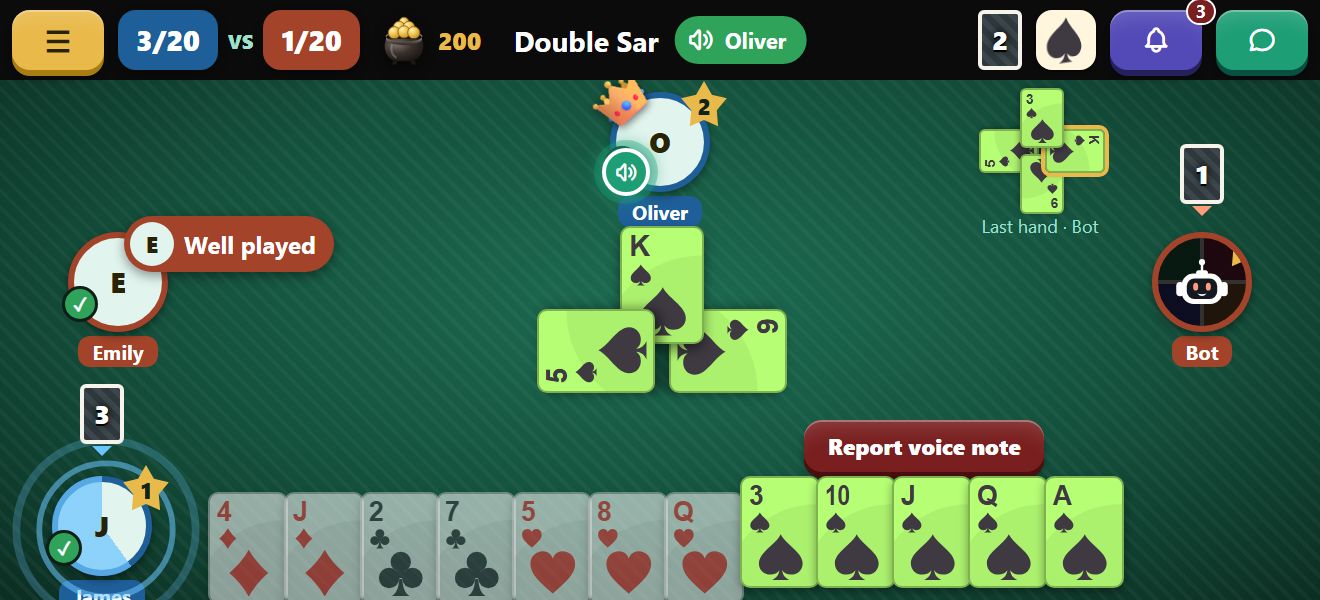
A game of Double Sar: the trick in the middle, the last hand at the top, your cards along the bottom.
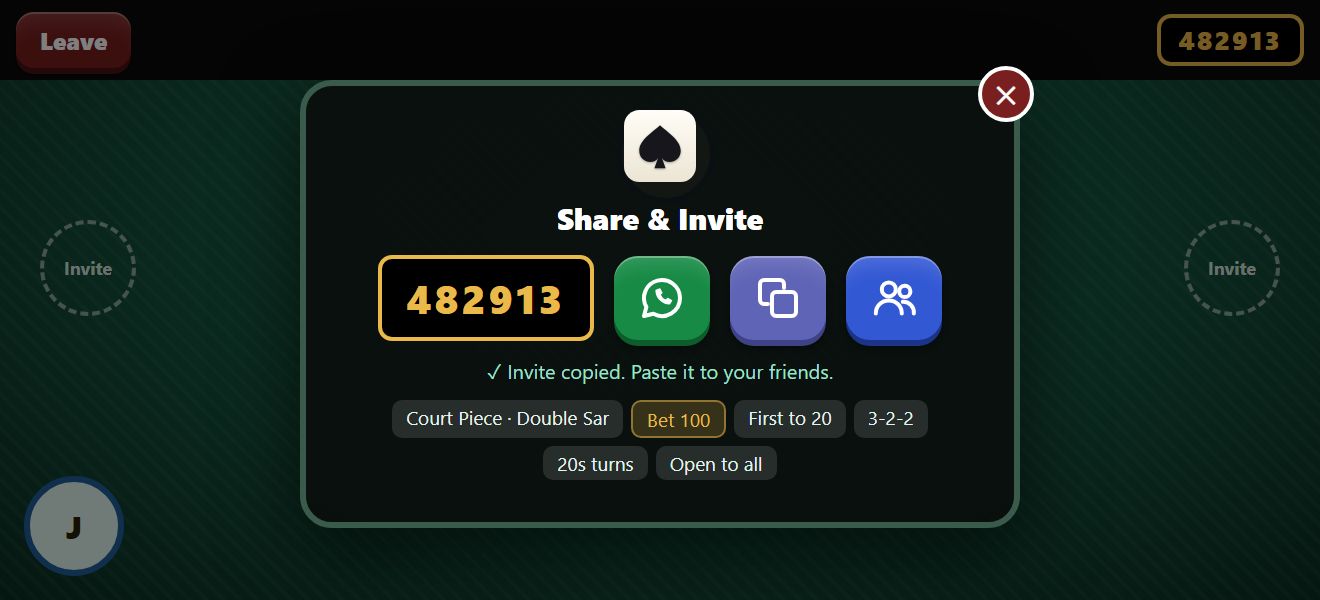
Share & Invite: send your friends the table’s code or a link on WhatsApp.
These are early sketches of a few of its screens. The app may still change before it is ready, and there is more in it than we are showing here.
What you can do in the app
- Make a table, choose its rules and its bet, and invite your friends with its code or a link on WhatsApp. The link opens the app straight at the table.
- Play every way the website has: Ace Rule, Double Sar, Hidden Rung and Rung Kaat, with 3-2-2 or 5-3-3 piles.
- Join an open table, or watch one being played.
- Send quick messages at the table, and voice notes where they are allowed.
- Try it as a guest first, with no sign-up.
- Replay your finished tables, follow your gaming profile, and see where you stand on the leaderboard.
Your table, your rules
Whoever makes a table chooses how it is played, and can still change it until the first cards are dealt, everyone sitting there being asked to agree:
- Game type: Ace Rule, Double Sar, Hidden Rung or Rung Kaat.
- Winning points: how many points win the game.
- Bet: 25, 50, 100, 250, 500 or 750 coins a round.
- Pile size: 3-2-2 or 5-3-3.
- Ace cannot win the pile: on or off.
- 4-point card: off, or the card you agree on, with the 6-point win if you like.
- Timers: how long each turn, and choosing trump, may take.
- Show the last hand, messages and voice notes: on or off.
- Who can join: open to all players, or only those you invite.
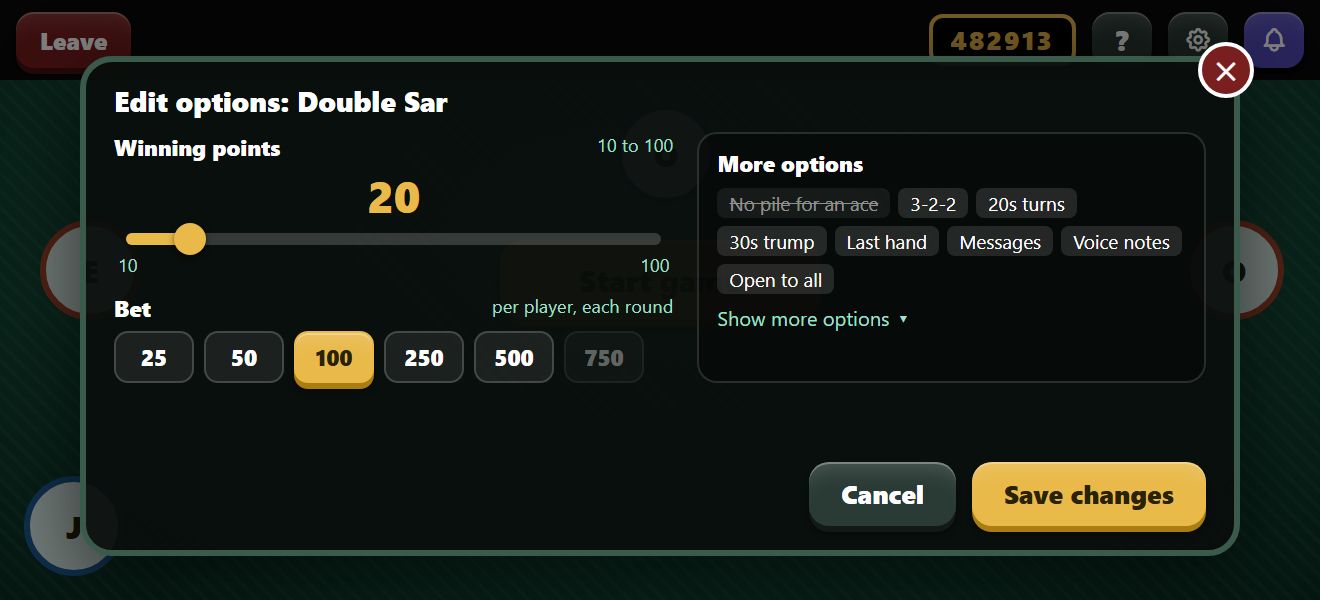
The host changing the table’s options before the first deal.
Say it at the table
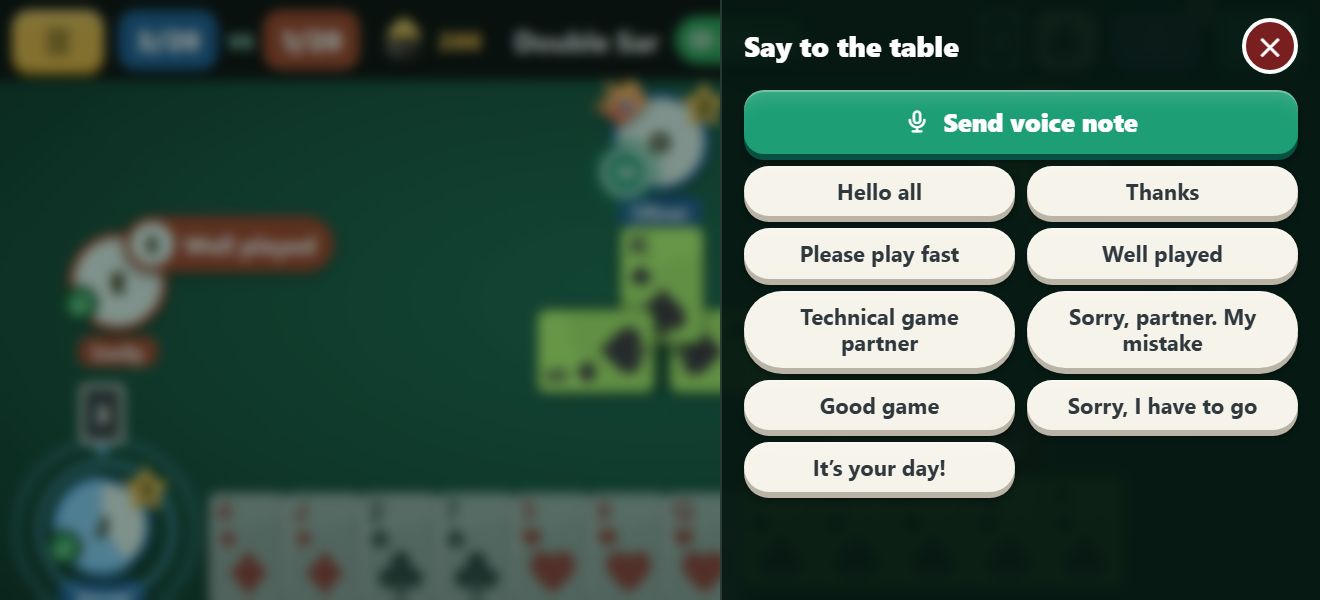
The messages, slid in from the side of the table, with Send voice note at the top.
Tap the messages key at the top right of the table, and a panel slides in from the side with Court Piece’s own ready-made messages: Hello all, Well played, Technical game partner, Sorry, partner. My mistake, and more.
Tap one and it shows in a bubble by your picture, for everyone at the table to see. Whoever makes the table can switch messages off for it.
Voice notes
Some things are better said out loud. Press Send voice note at the top of the messages and say it in a few seconds: your note plays for everyone at the table who has voice notes on, and the others see your name in red at the top and a microphone on your picture while you record.
Voice notes are off until an admin allows them. Ask for them with Request voice notes, in Gaming Options or in the messages at a table, and an admin of the app or the website will look at your request. Once you have them, they work at any table where another player has them on too. You can turn them off for yourself at any time, and the host can switch them off for a table.
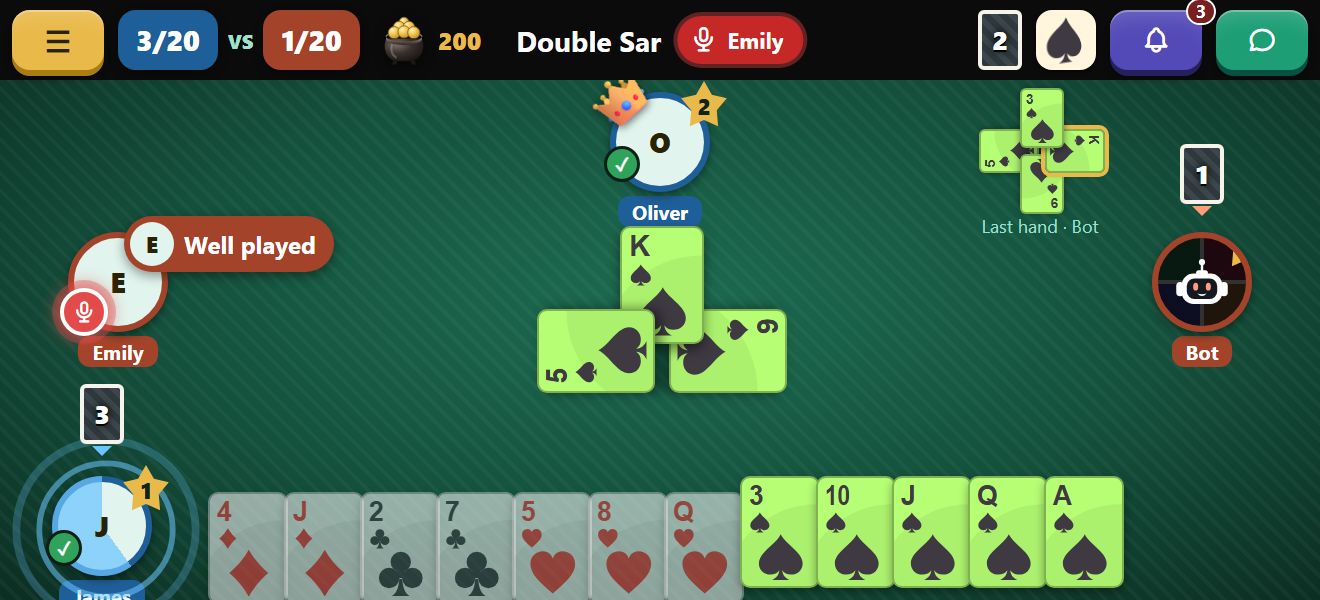
Emily recording a voice note: her name in red at the top, and a microphone on her picture.
Free coins
- 2,500 coins when you create your account.
- Free coins every day you come back: 100 on the first day, and 100 more each day in a row, up to 700 on the seventh.
- 1,000 extra coins once you verify your email address.
- Extra coins and more for the players who join the app early.
Coins are for play only: they have no money value and can never be cashed out.
We will post here as soon as the Android app is ready to download. Until then, every table is open on the website: play now.